Play on anything
On Bedrock there’s nothing to install. Add the server and play from your phone, console, or Windows. On PC, load the Cobblemon mod and hop on.
Cobblemon used to be PC only. Not anymore. MonsterRift puts Java and Bedrock players on the same server, so you can play from your phone, console, or PC. On Bedrock there’s nothing to set up, just add the server and you’re in.
play.monsterrift.com
Port 19132
play.monsterrift.com
Port 25565
On Bedrock there’s nothing to install. Add the server and play from your phone, console, or Windows. On PC, load the Cobblemon mod and hop on.
Over a thousand species, shinies, megas and regional forms included. Plenty to hunt down.
Challenge gym leaders, collect badges, and battle other trainers across the region.
Trade with a friend on Switch, battle someone on PC. Everyone’s on the same server, whatever they play on.
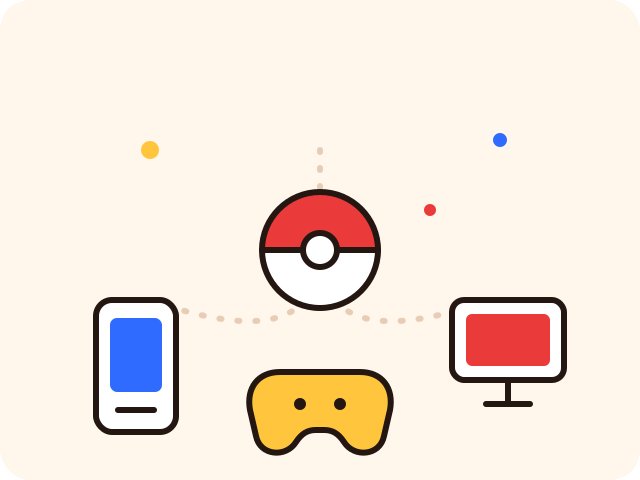
Your friend on a phone, someone on Xbox, you on PC. You all join the exact same world, catch from the same Pokémon, and battle each other directly. No separate lobbies, no “Bedrock version” and “Java version.”
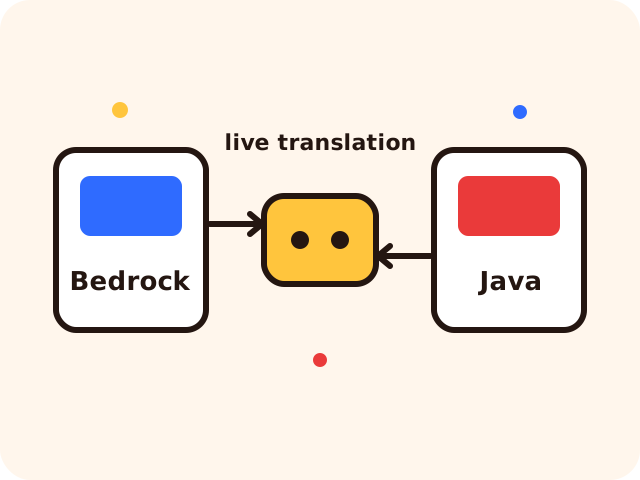
Cobblemon is a Java mod. Bedrock players join through a heavily modified fork of GeyserMC that translates the game live, so the Pokémon, menus and battles just work on your device. Nothing to install on Bedrock, and it’s the real Cobblemon, not a copy.
No PC, no setup. Open Minecraft Bedrock and follow along.
One tap on Windows 10/11 and mobile Bedrock, it drops straight into your server list. Prefer to do it yourself? Follow the steps below.
Launch the game and head to Play → Servers → Add Server.
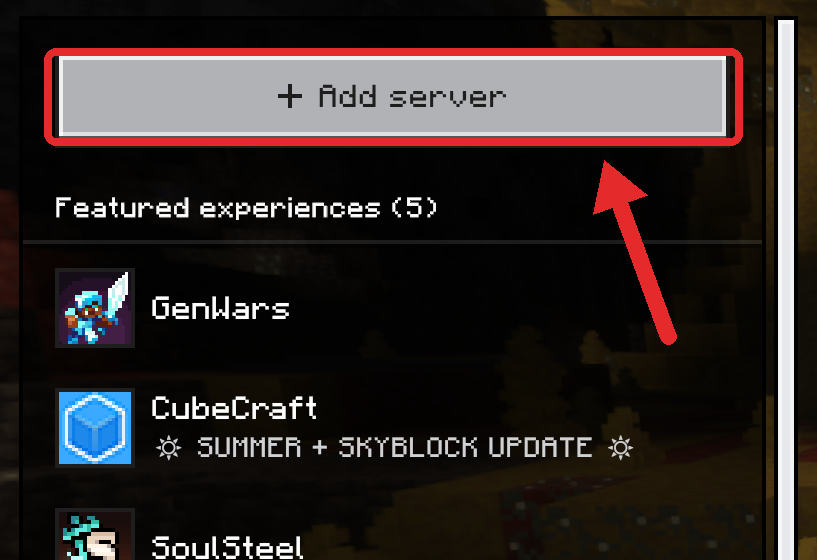
Address play.monsterrift.com, Port 19132. Hit save.
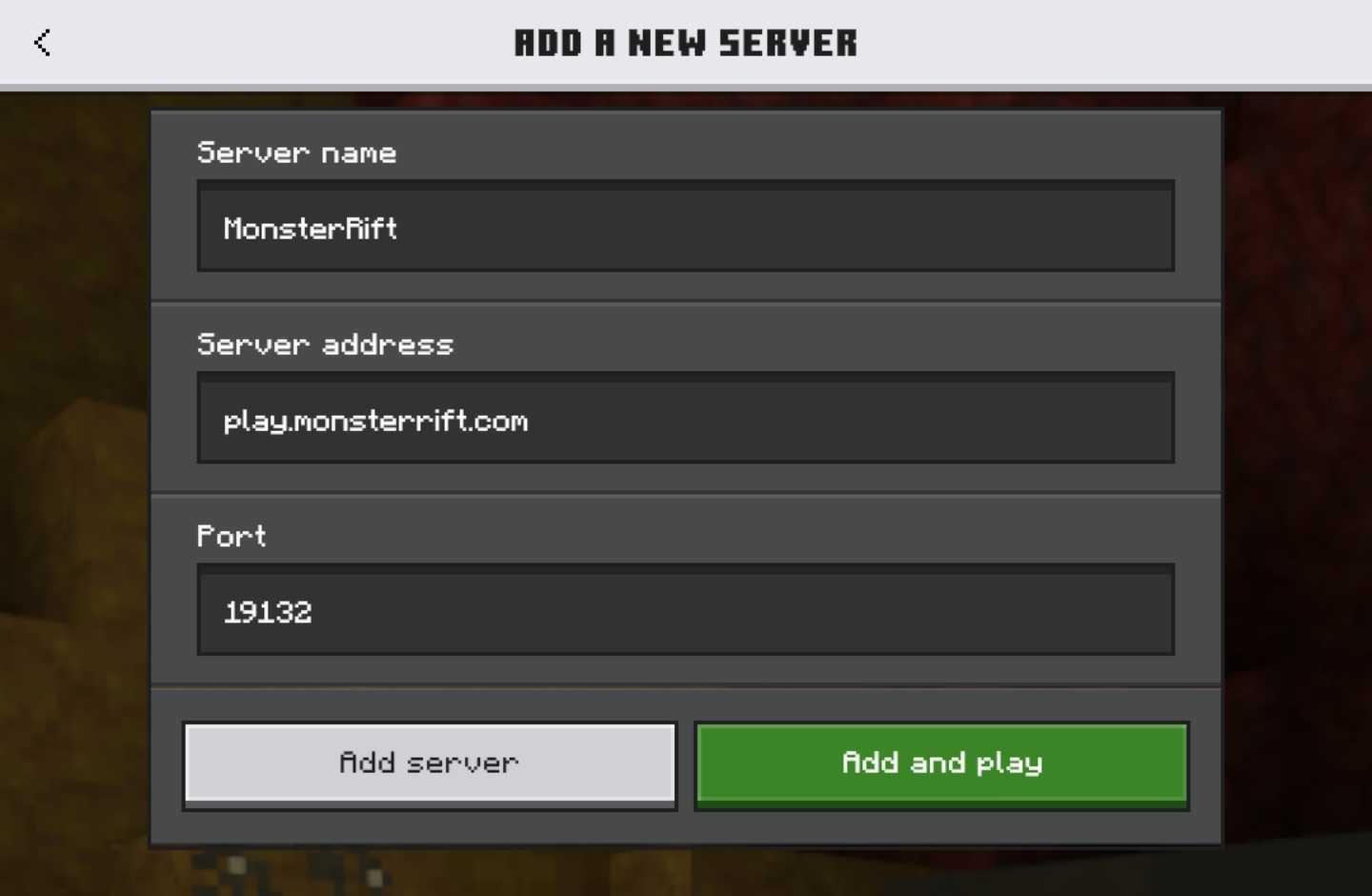
Jump in, choose your first Pokémon, and step into the region.
Playing on Java PC? Install Fabric + the Cobblemon mod, then connect to play.monsterrift.com on port 25565.
Copy the address, paste it into Minecraft Bedrock, and you’re in.
play.monsterrift.com